Broadcasts
One-off marketing sends to an audience or segment — create, send, cancel, stats.
A broadcast is a one-off marketing send to an audience or segment with its own
draft lifecycle — separate from transactional
POST /v1/email traffic.
In the console
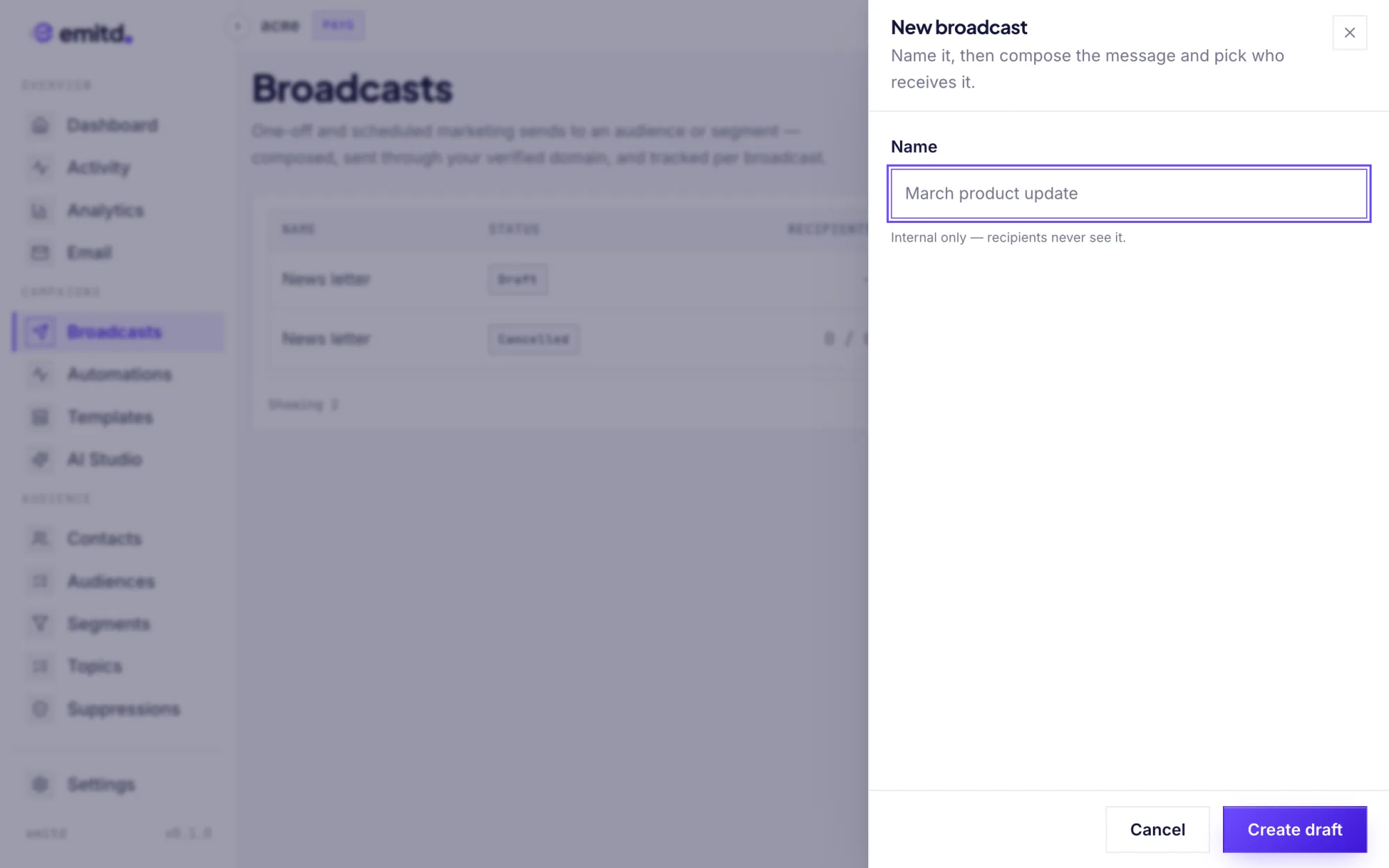
No code needed — open Broadcasts and click New broadcast.
- Name it and click Create draft. The name is internal only; recipients never see it.
- Compose — add a subject, choose a verified From domain, and paste the HTML body. Click Save draft as you go.
- Pick the target — an audience or a saved segment.
- Send — choose Send now or Schedule for later, then click Send broadcast. You can cancel it until it starts sending.
The rest of this page covers the same lifecycle over the API.
Lifecycle
draft ──send──▶ scheduled (future scheduled_at)
  │       └───▶ sending   (fan-out cron's next tick)
  │                  └──▶ sent
└──cancel──▶ cancelled ◀──cancel (only from draft/scheduled)| Step | Endpoint |
|---|---|
| Create a draft | POST /v1/broadcasts |
| Edit the draft | PATCH /v1/broadcasts/{id} — draft only, else 409 not_editable |
| Send or schedule | POST /v1/broadcasts/{id}/send — draft only, else 409 not_draft |
| Cancel | POST /v1/broadcasts/{id}/cancel — draft/scheduled only, else 409 not_cancelable |
| Read stats | GET /v1/broadcasts/{id} |
| Delete | DELETE /v1/broadcasts/{id} — hard delete, any status |
Sending
POST /v1/broadcasts/{id}/send validates first — subject, body_html or
body_text, your postal address in the console's Settings, a target that still
resolves, and a verified from_domain_id (errors: invalid_subject,
invalid_body, missing_postal_address, invalid_target,
domain_not_verified). It then:
- computes a best-effort
total_recipientssnapshot, - sets
status = scheduledif you passed a futurescheduled_at(epoch ms), otherwisestatus = sending.
Nothing is enqueued by the call itself — the per-minute fan-out cron picks up
sending broadcasts on its next tick. If your postal address has been removed by
then, the cron pauses the broadcast instead of sending it.
{ "scheduled_at": 1783472400000 }Personalizing
The subject and bodies can use {{email}} and any of the contact's
attributes, such as {{name}}. A contact without that
attribute gets a blank, so write copy that still reads well: Hi {{name}} becomes
Hi for them. Values are HTML-escaped in the HTML body.
{{unsubscribe_url}} and {{year}} are filled in as each email is sent. Automation
send steps work the same way.
Every broadcast carries an unsubscribe link and your postal address, in a footer we
add. To place the link yourself, use <a href="{{unsubscribe_url}}"> and only the
address is added. A link to your own preference page doesn't replace it, so that
email has both: contact data ends up in the body, and it can't be allowed to look
like an opt-out.
Targeting
target_kind is audience or segment with the matching target_id —
built from Contacts & audiences. Re-validating a
target happens when a PATCH touches target_kind/target_id.
Listing & pagination
GET /v1/broadcasts pages with ?limit= (max 100) and a composite
"{created_at}:{id}" cursor.
Multi-step programs
For wait/branch logic (drip sequences), use
/v1/automations: create steps
(send / wait / branch), then activate, pause, and enroll
contacts. Guardrails are explicit: no_steps, not_activatable,
wait_out_of_range, bad_branch_filter, and friends.
Segments
Filter contacts by status, email, creation time, or custom attributes — the filter grammar, the 25-condition ceiling, and how to preview a segment before you send.
Automations
Multi-step email programs triggered by a contact event — steps, waits, branches, and the forward-only rule that makes loops impossible.